Review guide
How to read nim video reviews before trying a video tool
Nim video reviews can help you decide what to test, but a glowing comment or a striking clip cannot tell you how a tool will handle your own idea. Use this guide to separate firsthand observations from assumptions, then judge the results against your actual video brief.

how it used to be done
A review was often treated as a verdict: read a rating, watch one polished example, and decide whether to try the tool. That shortcut misses the conditions behind the result.
how it is done today
A useful reading method turns each claim into something you can inspect or test. These steps work even when reviewers use different criteria.
-
1
Find the original example
Look for the input, the resulting clip, and an explanation of any editing after generation. If a reviewer shows only a finished montage, treat its quality as an example rather than proof of a repeatable result.
-
2
Match the example to your brief
Compare subject, motion, framing, and intended audience with what you need. A convincing landscape does not establish that the same workflow will handle readable product details or a moving person.
-
3
Check current conditions
Date the review and verify consequential details through the current destination before relying on them. Access terms, output options, and product behavior can change after a review is published.
what changed
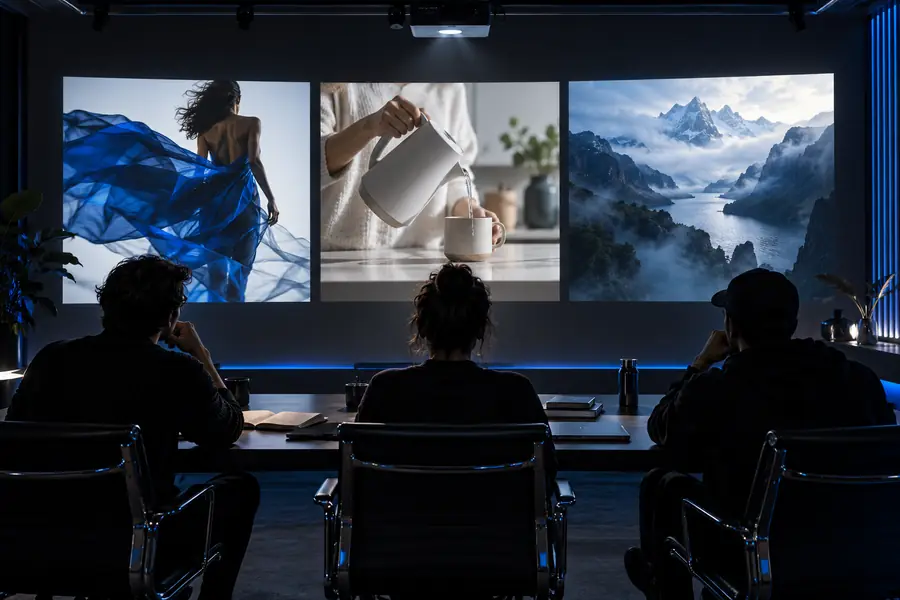
The important shift is from judging a presented image to judging the evidence behind it. The paired visuals illustrate that distinction; they are not a controlled product test.
- Overall impression
- Evidence-led assessment
Illustrative comparison, not before-and-after output from the same prompt.

Quick impression
Evidence-led reading
Example clip
Quick impression
Assumes the showcase represents typical output.
Evidence-led reading
Looks for the input and any selection or editing notes.
Visual quality
Quick impression
Judges the strongest frame.
Evidence-led reading
Checks consistency across the full clip and in motion.
Prompt fit
Quick impression
Accepts a reviewer’s broad praise.
Evidence-led reading
Checks whether the output follows the stated brief.
Use case
Quick impression
Applies one verdict to every project.
Evidence-led reading
Compares examples with the planned subject and audience.
Product details
Quick impression
Repeats terms from the review date.
Evidence-led reading
Verifies important terms at the current destination.
Confidence
Quick impression
Treats a single opinion as a conclusion.
Evidence-led reading
Keeps observed results separate from untested claims.
who switched
Creators with a specific brief benefit most from switching from a verdict-first reading habit to an evidence-first one. That is a change in evaluation method, not a claim that particular customers changed products.
-
No independent test results
This page does not run identical prompts across tools or measure output quality. It cannot establish a winner for your project.
WorkaroundUse the same written brief when you assess examples or conduct your own tests.
-
No verified satisfaction score
Selected comments cannot establish how most users feel, and this guide does not claim a representative review sample.
WorkaroundRead multiple dated accounts and note what each person actually tried.
-
No guarantee from a showcase
A polished clip does not reveal how many attempts or edits preceded it.
WorkaroundAsk whether the input, full clip, and editing process are available.
-
No fixed account of current terms
An older assessment may describe access or output conditions that have since changed.
WorkaroundConfirm any decision-critical terms directly before starting.
Put the review checklist to work
Nimvideo points you toward a video-creation destination. Bring a specific brief, inspect what the current experience offers, and judge any result against your own requirements rather than a reviewer’s favorite example.
Explore video creation- Start with a clearly defined subject and intended audience
- Check the current destination for applicable terms
- Evaluate the result as a complete clip
its own FAQ
Look for a dated, firsthand account that shows the input and the resulting clip. Give more weight to specific observations about motion, consistency, and prompt fit than to a rating without examples.
They can show a possible visual result, but they rarely show how that result was selected or edited. Watch the whole available clip and check whether its subject resembles your planned project.
Reviewers may test different subjects, judge by different standards, or publish at different times. Compare what each person actually tried before treating their conclusions as contradictory.
A review describes an experience at the time it was written, not necessarily current conditions. Verify any access terms or output options that matter to your decision at the current destination.