Content teams
Turn a campaign brief into a visual direction with a subject, setting, tone, and movement.
A concrete concept to review with stakeholders before production begins.
build from a campaign briefPrompt to video
Nim text-to-video turns a written brief into a starting point for video creation. Describe the subject, mood, movement, and setting, then review the result in the next step.
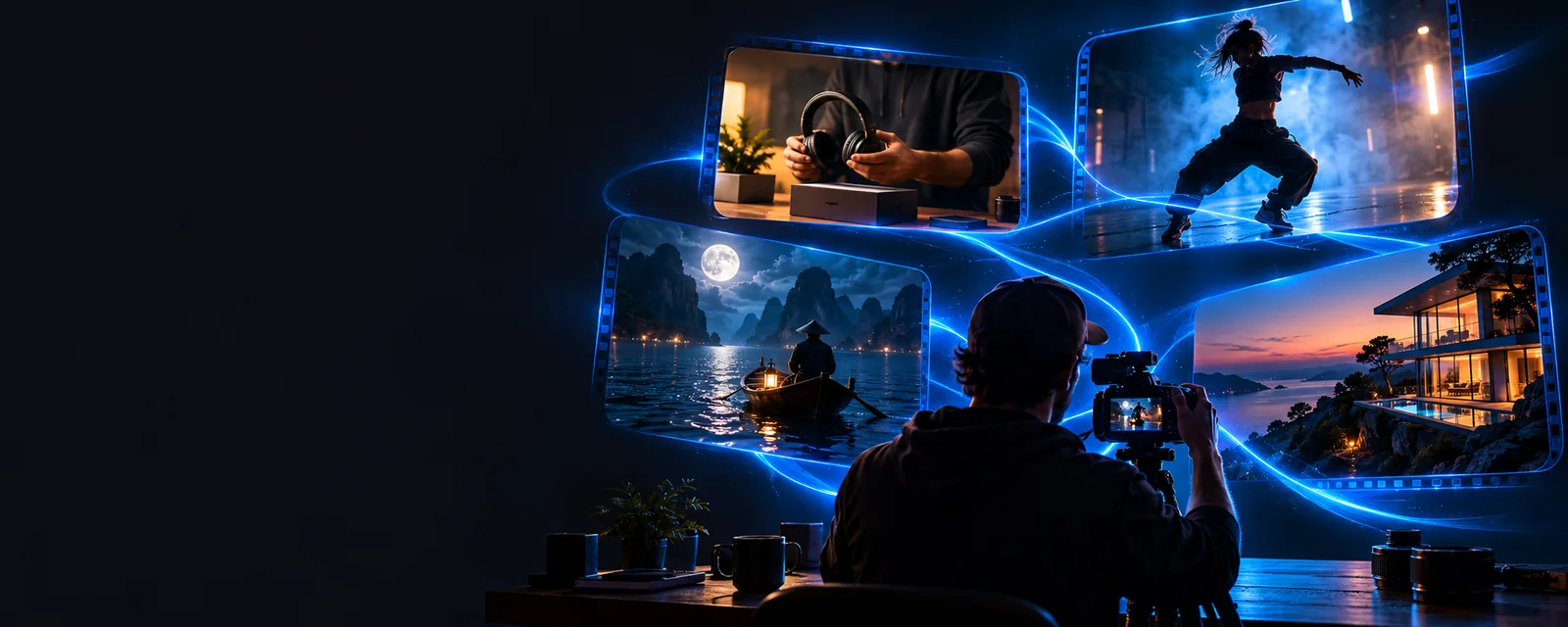
Text-to-video is useful when the idea exists as language before it exists as footage. The quality of the starting brief matters as much as the visual concept.
Turn a campaign brief into a visual direction with a subject, setting, tone, and movement.
A concrete concept to review with stakeholders before production begins.
build from a campaign briefDescribe a short scene for a product teaser, story hook, or vertical post.
A faster way to test several creative directions from one written idea.
test a social video ideaExplain a process or abstract topic through a scene-based visual prompt.
A visual starting point that can make an explanation easier to storyboard.
visualize an explanationWrite a concise description of a service, product, or customer moment.
A draft concept for reviewing tone, framing, and message before wider production.
shape a business conceptThe workflow moves from language to visual interpretation, so specific prompts help preserve the intended subject and action.
State what should appear, where it is happening, and what the viewer should notice first. Add movement and mood when they matter.
Use concrete details such as camera motion, lighting, composition, pacing, and aspect-ratio intent instead of relying on broad adjectives alone.
Check whether the subject, action, tone, and framing match the brief. Refine the wording when the first interpretation misses the priority.
Use the prompt box as a compact creative brief. These starting points help you decide what to specify before handing the request to the creation flow.
A written prompt is a direction, not a guarantee that every detail will be interpreted exactly as intended.
A short prompt may leave out brand rules, legal requirements, shot lists, or continuity details.
WorkaroundAdd the most important constraints to the prompt and use the result as a concept for review.
Small text, precise product features, complex interactions, and crowded scenes can be difficult to represent consistently.
WorkaroundSimplify the scene, prioritize one subject, and inspect the output before using it publicly.
The generated starting point may still need selection, trimming, sound, captions, or brand treatment.
WorkaroundTreat the output as an early visual asset and complete the finishing work your channel requires.
If the goal, audience, or call to action is missing, the result may look plausible without serving the communication task.
WorkaroundName the intended audience and the single message the video should convey.
The output is a starting point for review, not a finished production plan.


Describe the subject, action, setting, and mood in plain language, then use the creation flow to test the idea. A focused prompt gives you a better basis for deciding what to refine next.
Create a videoNim text-to-video is a workflow that starts with a written description and turns it into a visual video concept. You describe the scene, action, and style, then review the result and refine the direction if needed.
Begin with the subject, setting, action, and desired mood. Add camera movement, lighting, composition, or audience context when those details are important to the result.
A single sentence can provide a useful starting direction, but it may not include enough information for a polished final production. For better control, include the main visual priorities and review the output before publishing.
Text-to-video may not preserve every small detail, brand rule, or complex interaction exactly as written. It works best as an ideation and production starting point, followed by human review and any finishing work your project needs.