Concept explorer
You have a visual idea but are unsure whether the broader workflow is the right fit.
Use a small scene brief to test the direction, then move to nim video create when the concept is clear.
nim video createFocused entry point
Nim ai video is best understood as a focused route within the broader Nimvideo experience, not as a separate promise or product tier. Use this page to compare the entry points, choose a starting workflow, and set realistic expectations.
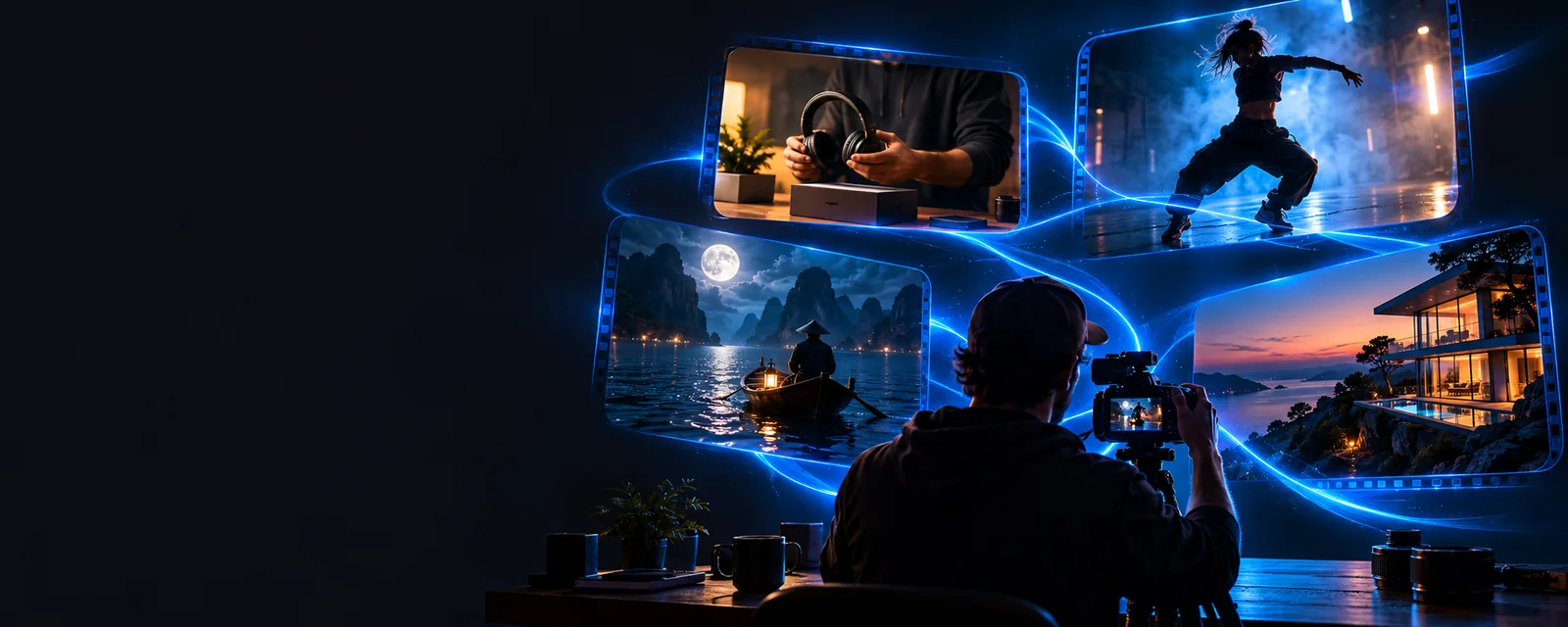
Related paths
These nearby pages cover the most useful next steps, from creating a project to understanding the underlying workflow.
Set expectations
A focused AI video entry point is useful for orientation, but it should not be treated as proof of every feature, output option, or production guarantee.
A search label does not establish which models, controls, export formats, or editing tools are available in the current product experience.
WorkaroundUse the live product route to inspect the controls and outputs that are actually presented to you.
A short prompt can express direction, but it may leave subject, pacing, composition, audience, and brand requirements underspecified.
WorkaroundPrepare a concise brief with the subject, action, visual style, aspect ratio, and intended audience before starting.
AI-generated video can vary between attempts, especially when the request contains ambiguous movement, timing, or visual references.
WorkaroundMake one change at a time and keep the strongest prompt version for comparison.
A generated clip still needs checks for continuity, readable text, accurate details, sound, and suitability for its intended channel.
WorkaroundTreat the first result as a draft and review it before publishing or sharing.
Start simply
The clearest workflow is to begin with one visual objective, inspect the first result, and then refine only the parts that need attention.
Write a concrete request describing the subject, setting, action, mood, and camera behavior. Keep the first attempt narrow enough to evaluate.
Send the brief through the product route and inspect whether the main subject, motion, framing, and visual tone match your intent.
Adjust one variable at a time, such as movement, composition, timing, or style, instead of rewriting every part of the request at once.
Compare the workflow
The useful distinction is not a promise of automatic perfection. It is the difference between an open-ended request and a brief that gives the system clearer visual direction.
Specific inputs make review easier.
Choose your entry point
Both routes can be useful, but they answer different questions. Use the focused route to orient yourself around AI video; use the general route when you already know what you want to create.
Nim AI video
General Nimvideo route
Nim AI video
What can this AI video workflow help me explore?
General Nimvideo route
How do I move forward with a specific video idea?
Nim AI video
Orientation and focused discovery
General Nimvideo route
Project creation and broader workflow navigation
Nim AI video
A compact description of the intended scene or result
General Nimvideo route
A more complete brief with production requirements
Nim AI video
Clarifies the role of an AI video entry point
General Nimvideo route
Supports a wider range of creation decisions
Nim AI video
Visitors comparing the available paths
General Nimvideo route
Visitors ready to act on a defined concept
Nim AI video
Current capabilities and available controls
General Nimvideo route
Output settings, editing steps, and delivery needs
Nim AI video
Test a focused idea and assess the result
General Nimvideo route
Build, refine, and review a complete video workflow
Focused use cases
This entry point is most useful when it helps you decide what to do next, rather than when it is treated as a complete production plan.
You have a visual idea but are unsure whether the broader workflow is the right fit.
Use a small scene brief to test the direction, then move to nim video create when the concept is clear.
nim video createYou are starting with words and need to translate a short description into a visual starting point.
Compare the focused route with nim text-to-video before expanding the brief into a fuller sequence.
nim text-to-videoYou need to understand whether the product approach fits an internal AI video workflow.
Pair a practical test with nim video ai architecture so the creative result and technical questions stay separate.
nim video ai architectureTake the next step
Start with a single scene rather than a full campaign. A focused test gives you something concrete to review and makes it easier to decide whether the broader Nimvideo workflow fits your needs.
Test your video ideaNim AI video FAQ
It is a focused way to explore an AI video workflow from a visual idea or short brief. It can help you understand the type of creation path you want before you commit to a broader production workflow.
The distinction is mainly the entry point and the question you are trying to answer. The focused route is useful for orientation and targeted exploration, while the general route is better when you already have a defined project to build.
A prompt can provide a starting direction, but it does not remove the need for review and refinement. Check the subject, motion, framing, visual details, and any requirements specific to the channel where the video will be used.
Describe the subject, setting, action, mood, visual style, and camera behavior in plain language. If timing, aspect ratio, audience, or brand details matter, include those requirements rather than assuming the system will infer them.
AI-generated results can vary when a request leaves room for interpretation or when the generation process changes between attempts. Keep the strongest prompt version, change one variable at a time, and compare results against the same brief.