Short-form ideas
Plan short-form clips with nim video examples tiktok
A TikTok idea can look convincing in your head and still fall flat in the first seconds. Use these Nimvideo examples as storyboards: decide what the viewer sees first, what changes on screen, and what needs checking before a clip goes live.

Why TikTok concepts stall before the first cut
The difficult part is often not finding a subject. It is turning that subject into a clear sequence that makes sense without an introduction.
Three concrete workflows for TikTok ideas
Each workflow gives a clip one job. Treat the steps as planning patterns, not as a promise that a particular tool will generate or publish every element.
-
1
Show the problem, then the change
Open on a recognizable frustration, such as a cluttered desk. Show one action that changes the scene, then end on a clean visual payoff. For a Nimvideo brief, describe the setting, the action, and the final frame separately so the transformation does not get lost.
-
2
Build a product reveal around a detail
Begin with a close view of texture or packaging, pull back to show the whole object, and finish with it in use. Keep claims out of the visual brief unless they can be substantiated. The reveal should help viewers understand the product, not imply a result the footage cannot prove.
-
3
Turn one tip into three visual beats
Write the tip as a short question, demonstrate the answer, and finish with a repeatable takeaway. For a Nimvideo storyboard, note where on-screen text would clarify the action. Read the sequence without sound; if the point disappears, revise the visuals before adding music or narration.
Example output: a product reveal storyboard
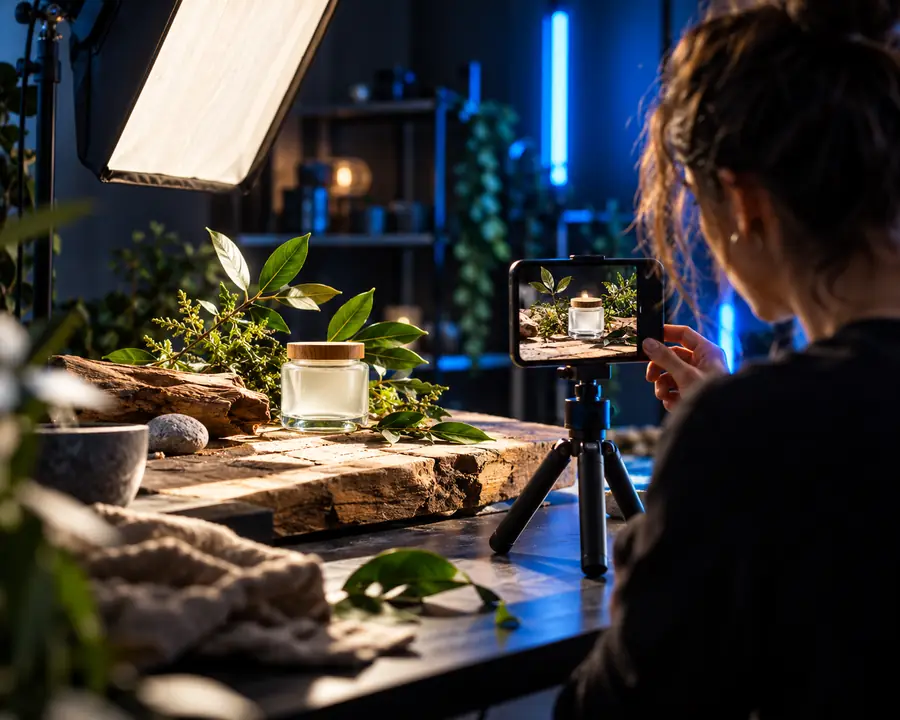
Consider a small skincare bottle photographed on a tabletop. The example cut begins with its surface detail, reveals the full bottle, and ends with a simple application scene.
- Scene reference
- Storyboard direction
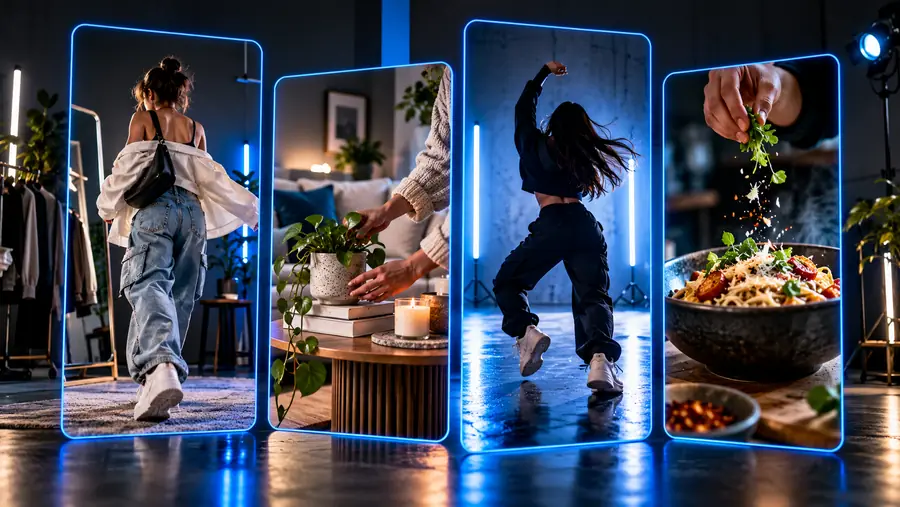
These images illustrate a planning comparison, not a verified before-and-after generation result. A usable Nimvideo brief would specify the bottle's appearance, camera movement, lighting continuity, and final composition. Review the resulting frames for label accuracy before using them in a TikTok post.
Compliance notes before publishing
A polished concept is not automatically ready to post. Use this comparison to separate what belongs in a creative brief from what a person must verify in the finished TikTok clip.
Creative brief
Pre-publish check
Product appearance
Creative brief
Describe the real item's color, shape, and visible label.
Pre-publish check
Compare every recognizable detail with the product you actually offer.
Performance claims
Creative brief
Show an action or setting without promising a specific result.
Pre-publish check
Remove unsupported claims from captions, voiceover, and on-screen text.
People and likeness
Creative brief
Specify a generic character only when a person helps explain the scene.
Pre-publish check
Get appropriate permission before using a recognizable person's likeness.
Music and footage
Creative brief
Plan the pacing independently of a particular song or borrowed clip.
Pre-publish check
Confirm you have the rights needed for every sound and visual you use.
Sponsorship
Creative brief
Leave space in the composition for clear disclosure text.
Pre-publish check
Apply relevant platform and local disclosure requirements to promotions.
Final review
Creative brief
Write the intended sequence as a shot-by-shot Nimvideo concept.
Pre-publish check
Watch the export in full and check legibility, accuracy, and context.
Take a short-form idea beyond the storyboard
Choose one of the workflows, write down the opening frame and visual payoff, then explore video creation options through Nimvideo. Before posting to TikTok, inspect the actual output rather than relying on the brief alone.
Explore video creation- Start with a specific scene and action
- Keep the viewer's takeaway visible
- Verify the finished clip before publishing
TikTok example FAQ
A problem-and-payoff scene, a product detail reveal, and a single-tip demonstration are practical starting points. Each has a clear opening image, one visible change, and an ending that gives the viewer a reason to remember it.
Describe the subject, setting, action, camera direction, and final frame in plain language. Keep the first attempt focused on one visual idea; captions and sound can be planned separately after you know what the footage communicates.
Review it first for inaccurate details, misleading claims, unwanted likenesses, and material you may not have permission to use. Also check TikTok's current rules and any disclosure obligations that apply to your post.
The first frame should establish what matters, and the action should make the change obvious. If a viewer needs narration to understand the result, simplify the shot sequence or add concise, readable on-screen text.